Configuring OVOC Web Azure Settings - Multitenant Upgrade
This section describes how to configure Azure settings in OVOC Web when upgrading from a Single Tenant configuration.
| ➢ | To upgrade from a Single Tenant configuration: |
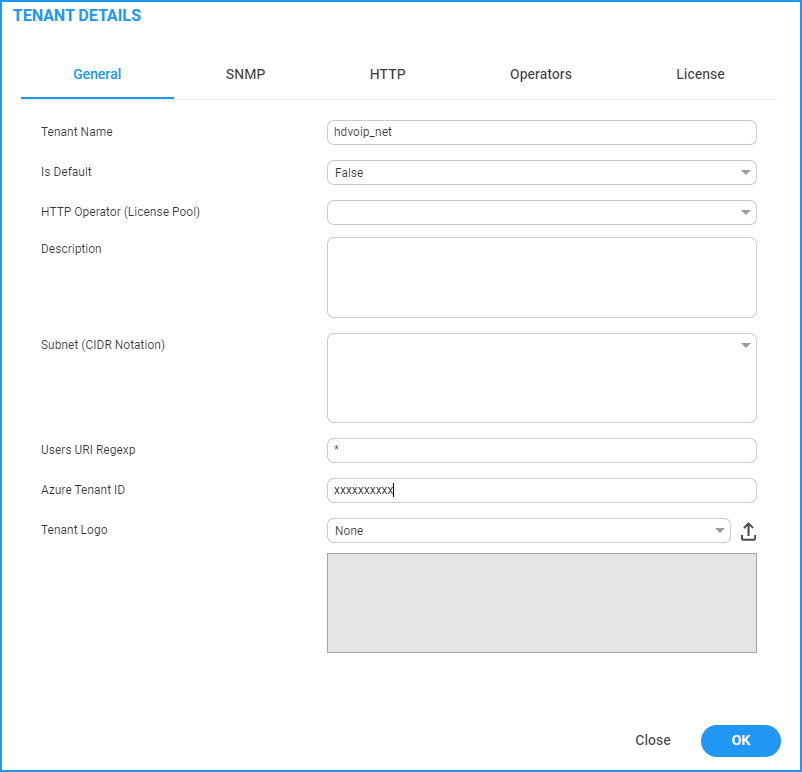
| 1. | In the Tenant Details, enter the "Azure Tenant ID" of the external managed tenant as shown in the screen below. |
Tenant Details
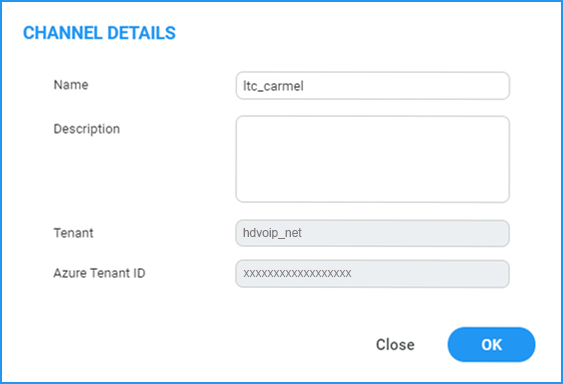
| 2. | If you are managing channels, in the Channel Details, enter the "Azure Tenant ID" of the external managed tenant as shown in the screen below |
Channel Details